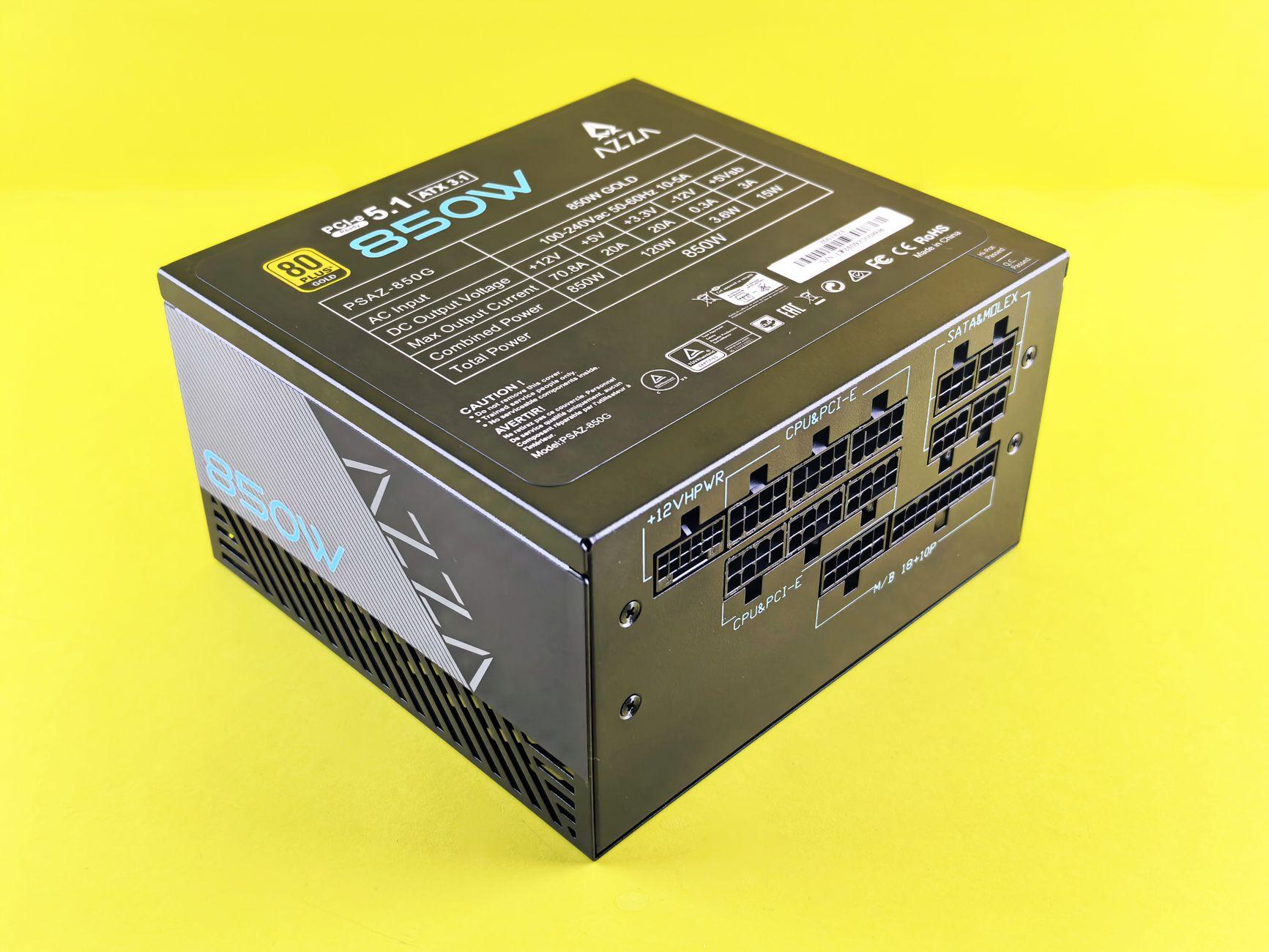

The Unsung Hero: How Your PSU’s Wattage Keeps Your PC From Going Haywire
Honestly, I used to think power supply wattage was just about whether your PC could boot up or not. Turns out, it’s way more complex than just picking a number off a box. You see, your power supply unit (PSU) is like the heart of your system, pumping out the juice to all your components. If that pump isn’t strong enough, or worse, if it’s erratic, the whole organism starts to fail. I learned this the hard way when my custom build kept crashing during gaming sessions, and after weeks of troubleshooting, it was a surprisingly undersized PSU that was the culprit. It wasn’t just failing to power everything; it was causing instability across the board.
Think about it. That graphics card you just bought, the one that cost you $500 or more, it can draw a massive amount of power, especially when it’s under heavy load, like rendering a complex scene in your favorite game. Your CPU isn’t exactly a slouch either. Add in all the other bits – the motherboard, RAM, SSDs, hard drives, even those fancy RGB fans – and you’ve got a hungry beast. A PSU rated for a measly 300 watts simply won’t cut it for a modern gaming rig. You’ll likely see stuttering, sudden shutdowns, or worse, data corruption.
The real issue isn’t just if it can power everything at its peak, but how consistently it can deliver that power. A PSU that’s constantly running at its maximum capacity is like a car engine redlining all the time. It’s stressed, it’s inefficient, and it’s prone to overheating. This stress can lead to voltage fluctuations, and those are the silent assassins of system stability. Your motherboard expects a steady flow of 12 volts, 5 volts, and 3.3 volts. When those dips and spikes happen, components can misbehave, leading to those infuriating crashes that seem to happen at the worst possible moments.
It’s a common mistake, especially for first-time builders, to skimp on the power supply. People often focus on the CPU and GPU – the shiny, exciting parts. They’ll spend $1000 on a graphics card and then slap in a $50 PSU that barely meets the minimum requirements. That’s where the trouble starts. A good rule of thumb is to aim for a PSU that’s about 20-30% more powerful than your estimated peak load. For a mid-range gaming PC, that often means looking at 650-watt or 750-watt models. For high-end setups with multiple GPUs or overclocked components, you might even need 1000 watts or more.
The efficiency rating on a PSU, like 80 Plus Bronze, Silver, Gold, or Platinum, also plays a role in stability, though indirectly. These ratings tell you how much AC power from your wall outlet is converted into usable DC power for your components. A higher efficiency means less wasted energy, which translates to less heat generated by the PSU itself. Less heat means a cooler, happier power supply, and a cooler power supply is generally a more stable one. While an 80 Plus Gold PSU is great, don’t confuse it with just wattage; you still need enough raw power.
Now, here’s the frustrating part: PSU manufacturers often list the maximum potential wattage, not the sustained wattage for each voltage rail. This means a 750-watt PSU might claim 750 watts, but if its 12-volt rail – the one most critical for your CPU and GPU – can only consistently deliver, say, 500 watts, you’re still in trouble. This lack of transparency can be a real headache when you’re trying to calculate your system’s needs. You often have to dig into detailed reviews and specifications to find out the actual continuous power delivery capabilities. It’s a total pain.
A significant downside to this whole power supply wattage equation is that once you have a PSU, upgrading it can be a bit of a hassle. If you decide to get a more powerful graphics card down the line, and your current PSU isn’t up to snuff, you might have to replace it. This means unplugging everything, taking the old unit out, and installing the new one, which is always a bit of a chore, especially in a cramped case. It’s not a component you want to have to replace often, so getting it right the first time is key.
For example, a system with a Ryzen 5 5600X and an NVIDIA GeForce RTX 3060 Ti might comfortably run on a 650-watt PSU. However, if you’re looking at an Intel Core i9-12900K paired with an AMD Radeon RX 6900 XT, you’re probably going to need a 1000-watt PSU, especially if you plan on any overclocking. Tools like the OuterVision Power Supply Calculator can give you a starting point, but always add a buffer. Remember, running a PSU at around 50-70% of its capacity is often considered the sweet spot for efficiency and longevity, according to experts at Tom’s Hardware.
Ultimately, while wattage is crucial, the quality of that wattage matters just as much. A cheap, no-name PSU might be rated at 750 watts, but if it uses subpar internal components, it won’t deliver clean, stable power. This can lead to premature component failure, something I’ve seen happen to friends. Investing in a PSU from a reputable brand like Corsair, Seasonic, or EVGA, with a good warranty (think 5-10 years), is usually a wise move. These companies tend to have better quality control and use more reliable parts, contributing to overall system stability. You can often find great deals on these units, making them more accessible than you might think, as highlighted by reviews on TechRadar.
So, while everyone talks about CPU speed and GPU power, the humble power supply unit is silently holding everything together. Choosing the right wattage isn’t just about preventing immediate crashes; it’s about ensuring the long-term health and reliability of your entire expensive build.