
When Your Rig Breathes Easy: The Secret to Gaming Hardware That Doesn’t Die Young
Honestly, I used to just cram components into whatever case looked cool. Big mistake. I had a Nvidia GeForce RTX 3080 that cooked itself to death in less than two years, and I’m pretty sure it was because it was suffocating in a tiny, restrictive box with zero airflow. It’s not just about keeping things from melting right now; it’s about making your expensive graphics card and CPU live a long, happy life. Think of it like this: would you want to run a marathon in a sauna wearing a winter coat? That’s what bad case airflow does to your hardware.
My first build, back in the early 2000s, was a nightmare for cooling. I had a Pentium 4 that sounded like a jet engine and still idled around 60 degrees Celsius. It was agonizingly slow and eventually bricked itself. That’s when I started paying attention to how air actually moves through a computer. It’s not magic, it’s physics. You want cool air coming in from the front and bottom, and hot air getting pushed out the back and top. Simple, right? But actually achieving that is where things get interesting, and where many people mess up.
This whole airflow design thing is deceptively simple but incredibly important for the longevity of your PC components. Imagine trying to get a drink through a tiny straw versus a wide one – that’s the difference good case design makes for heat dissipation. When your CPU and GPU are constantly running hot, their lifespan shortens. We’re talking about potentially shaving years off the life of components that can cost hundreds, even thousands, of dollars. A poorly ventilated case can turn a $1500 graphics card into a paperweight much faster than you’d think.
You’ll often see cases touting “silent operation” by packing in lots of sound-dampening material. That’s great for your ears, but it can be a death sentence for your hardware if it means blocking intake and exhaust vents. I’ve seen builds where the designer clearly prioritized aesthetics over actual air circulation. Think of those super sleek, minimalist cases with tiny vents you can barely see. Those might look nice on a desk, but they often trap heat like a greenhouse. The Corsair Obsidian 1000D is an example of a case that’s HUGE, but offers tons of space for fans and radiators, allowing for excellent airflow if you set it up right.
A common complaint I hear is, “But my PC seems fine!” Yeah, it might seem fine for a while. Components have thermal throttling to protect themselves, meaning they’ll slow down when they get too hot. So, your gaming performance might be dipping, your load times might be getting longer, and you might not even realize why. You’re essentially forcing your powerful hardware to perform at a fraction of its potential just to survive. It’s incredibly frustrating when you drop serious cash on a high-end gaming PC only to have it choke itself under its own heat.
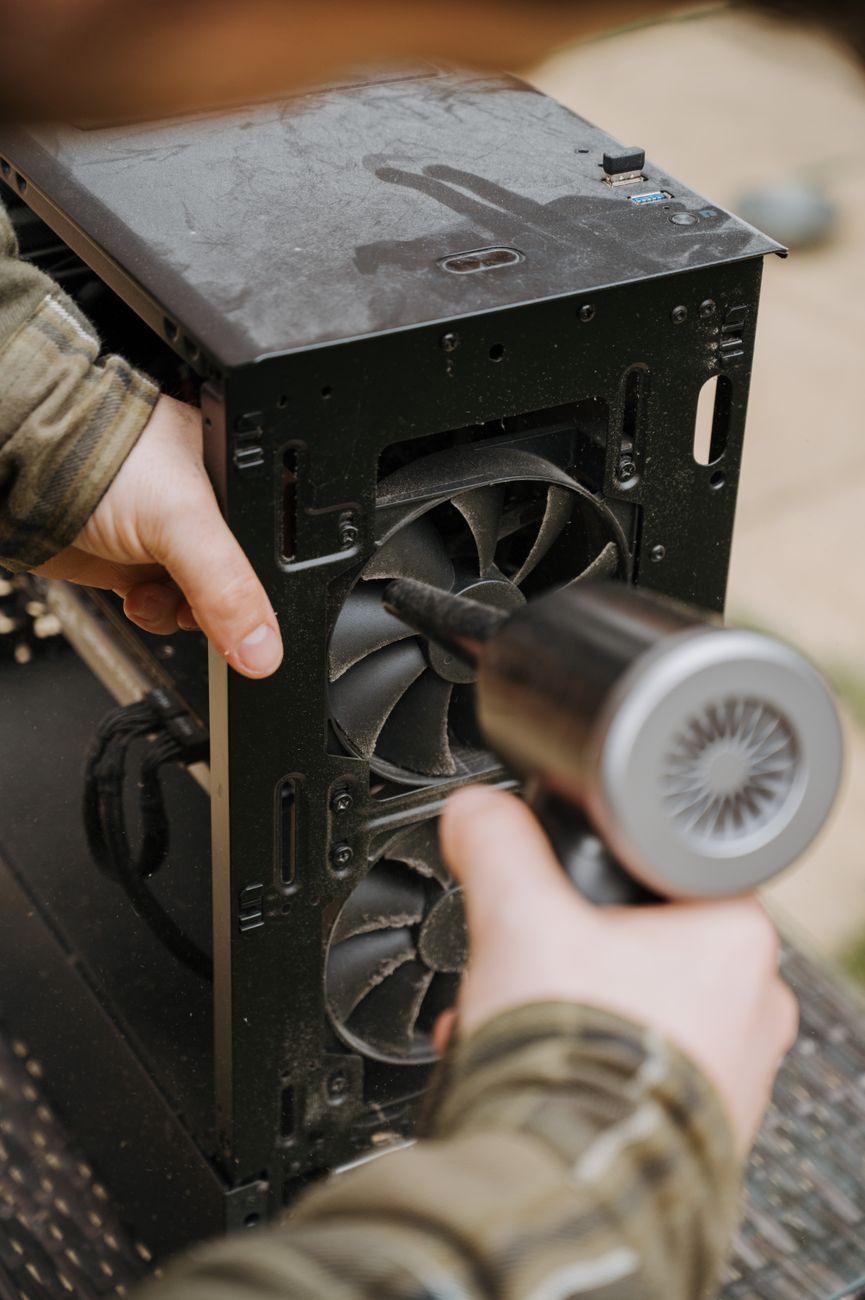
The best approach is usually a positive pressure setup. This means having more intake fans than exhaust fans. Why? Because it forces air out through every crack and crevice, naturally pushing dust out of the case instead of letting it settle on components. Dust buildup is a huge enemy of component health, acting as an insulator and making everything run hotter. Think of it like having a slight breeze blowing into your house – it keeps the air fresh and pushes out stale air. Tools like HWiNFO64 can help you monitor your component temperatures to see if you’re running too hot.
Even within seemingly similar case designs, there are subtle differences that matter a lot. For instance, some cases have a completely solid front panel, while others have a mesh front. The mesh front panels, like on many Lian Li cases, are generally far superior for airflow. They allow a much larger volume of cool ambient air to be drawn directly into the case. A solid front panel, even with side vents, severely restricts the amount of air that can enter, creating a bottleneck for your cooling solution.
One genuine criticism of prioritizing airflow is that it often comes at the cost of noise levels. More fans, spinning faster, usually means more noise. You have to strike a balance. You might need to invest in some quiet case fans, like Noctua models, or use a fan controller to adjust speeds based on temperature. It’s a trade-off, but in my experience, a slightly louder computer is better than one that’s constantly overheating and risking damage. A good motherboard with robust fan control will also be your friend here.
You’ll find that cable management plays a role too. Messy cables can obstruct airflow paths, especially in smaller cases. Taking the time to route your cables neatly behind the motherboard tray, or using zip ties to bundle them, can make a surprising difference in how effectively air moves through your system. It’s not just about looks; it’s about giving those fans the unobstructed paths they need to do their job. This isn’t rocket science, but it’s often overlooked by people focused solely on benchmark scores.
Ultimately, the case is the lungs of your computer. A restrictive, poorly designed case is like trying to breathe through a clogged nose. You need good intake, good exhaust, and clear pathways for air to move freely. Ignoring this is a surefire way to shorten the lifespan of your precious hardware. Don’t be like me with my first build; pay attention to how your rig breathes.