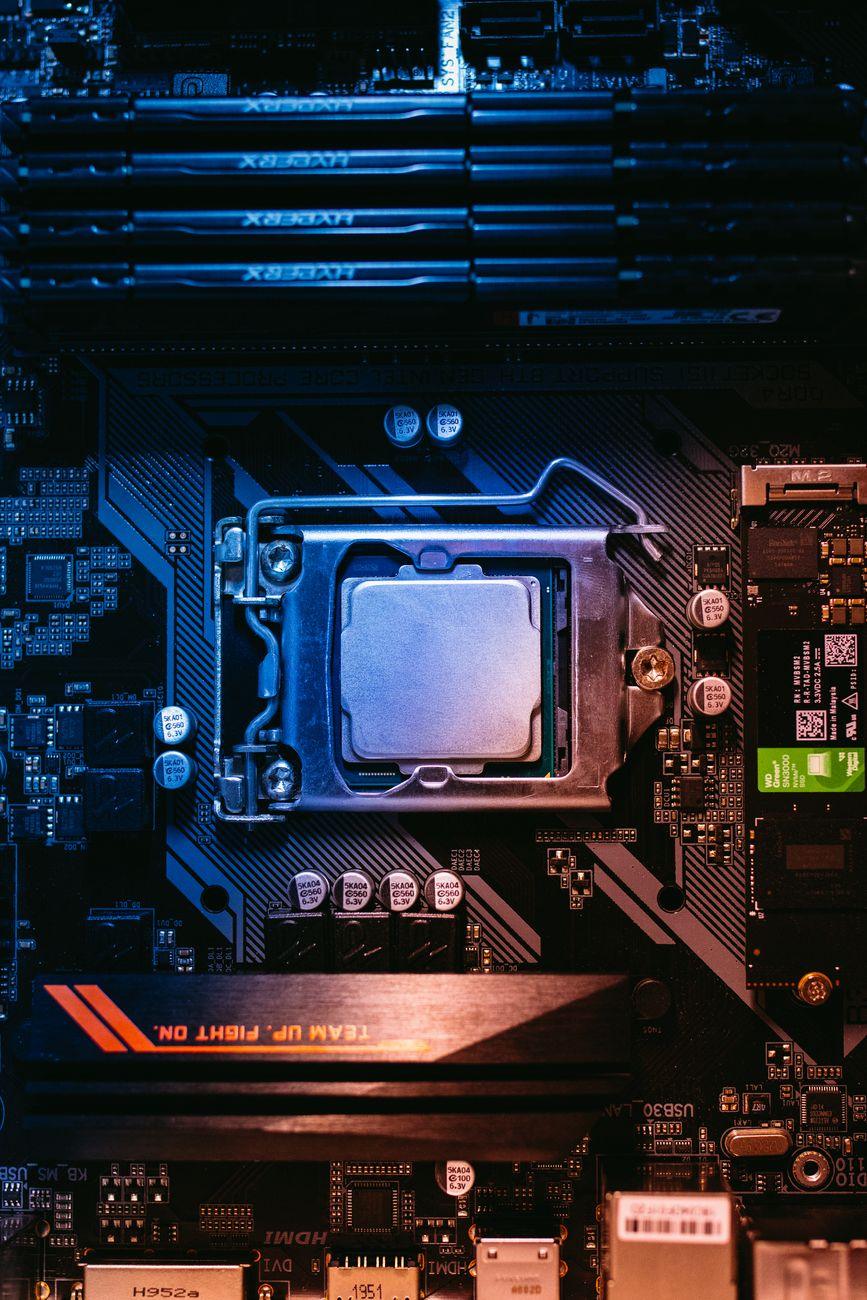

When Your Brain Can’t Keep Up With Your Eyeballs: The CPU-GPU Tango
You know that feeling when you’re playing a game, and everything looks absolutely stunning, but the frame rate is chugging along like it’s stuck in mud? That’s likely the CPU bottleneck messing with your GPU power. It’s a real bummer, especially when you’ve shelled out a pretty penny for a top-tier graphics card, only to have your central processing unit hold it back. Think of your CPU as the brain of your computer, and your GPU as the eyes. The brain needs to process all the information the eyes are seeing and tell the rest of the body what to do. If the brain is too slow, it doesn’t matter how sharp the eyes are; everything becomes sluggish. I remember building a PC a few years back with what I thought was an amazing GPU at the time, a Nvidia GeForce RTX 3070, and I was shocked at how poorly it performed in certain games. Turns out, my Intel Core i5-9600K was just not cutting it for those faster-paced titles.
This whole bottlenecking thing is so frustrating because it’s not always obvious. You might see your GPU utilization sitting at a measly 30-40% while your CPU usage is pegged at 90-100%. That’s a textbook sign your CPU is the weak link. It’s trying its best to feed the GPU enough data to render those fancy graphics, but it just can’t keep up. So, your powerful graphics card is just sitting there, twiddling its thumbs, waiting for instructions that are taking ages to arrive. This often happens in games that have a lot of complex AI, physics simulations, or draw calls, like open-world games or real-time strategy titles. For instance, in a game like Grand Theft Auto V with tons of NPCs and vehicle traffic, your CPU has to manage all that. A weak CPU can cause stuttering and lower frame rates even if your GPU is capable of much more.
It’s easy to blame the graphics card when your performance isn’t what you expect, but sometimes, the culprit is hiding right there in plain sight on your motherboard. I’ve seen people upgrade their GPUs year after year, only to experience the same disappointing performance because their CPU was the real limitation all along. It’s like putting a race car engine into a bicycle frame; the engine’s potential will never be fully realized. This isn’t just a problem for gamers, either. Content creators working with video editing software or 3D rendering programs can also face significant slowdowns if their CPU can’t process the complex instructions needed for these tasks, even with a powerful GPU assisting. A sluggish CPU can lead to longer render times, delayed previews, and a generally less responsive workflow.
The real kicker is that identifying the exact point where your CPU starts bottlenecking your GPU can be tricky. It’s not a fixed percentage or a simple number. It depends heavily on the specific game or application, the resolution you’re playing at, and even the settings you’ve chosen. For example, at 1080p, you’re much more likely to encounter a CPU bottleneck because the GPU can render frames so quickly that the CPU can’t keep up. However, if you crank the resolution up to 4K, the GPU has to do a lot more work per frame, which can sometimes shift the bottleneck back to the GPU. It’s a delicate balance, and understanding your specific hardware and software is key.
Honestly, the sheer complexity of CPU-GPU interdependence is infuriating sometimes. You’d think with all the advancements in technology, these things would just work seamlessly together, but it’s rarely that simple. Many modern games are designed to utilize both the CPU and GPU efficiently, but older titles or poorly optimized software can really expose the weaknesses in either component. For instance, trying to run a game like Microsoft Flight Simulator on older hardware is a prime example of how demanding these simulations can be on both processors. You might have a beast of a graphics card, but if the CPU can’t calculate the atmospheric conditions, flight physics, and world data fast enough, your beautiful scenery will be a slideshow. This issue is a well-documented challenge in PC building, with communities constantly discussing the ideal CPU-to-GPU pairings for various budgets.
One of the most annoying limitations is that there isn’t always a clear-cut solution without a significant investment. You can try tweaking in-game settings to reduce the load on your CPU, like lowering shadow quality or disabling certain AI features. Some games even have specific settings designed to alleviate CPU bottlenecks, like reducing the number of NPCs or the complexity of physics. However, these adjustments often come at the cost of visual fidelity. Furthermore, software optimizations are limited; you can’t magically make a dual-core processor perform like a modern eight-core behemoth. Overclocking your CPU can provide a small boost, but it’s not a silver bullet and comes with its own risks of instability and increased heat. The most effective solution is often to upgrade your CPU, which might also necessitate a new motherboard and potentially RAM, leading to a much larger financial outlay than initially anticipated. This is why careful planning and research are crucial before making any hardware purchases.
It’s a constant arms race in the PC hardware world, and keeping up with the latest and greatest can feel like a full-time job. You might buy a cutting-edge CPU today, only for it to become a bottleneck for the GPUs of tomorrow. This dynamic has been a consistent theme for decades, and while the pace of innovation is astonishing, the fundamental principle of processor balance remains a critical factor for optimal performance. Understanding the relationship between your CPU and GPU isn’t just about avoiding frustration; it’s about making smart purchasing decisions and getting the most out of your investment, whether that’s for gaming, productivity, or any other demanding task.