
The Silent Killer of Your Rig: How Dust Is Sabotaging Your Gaming Dreams
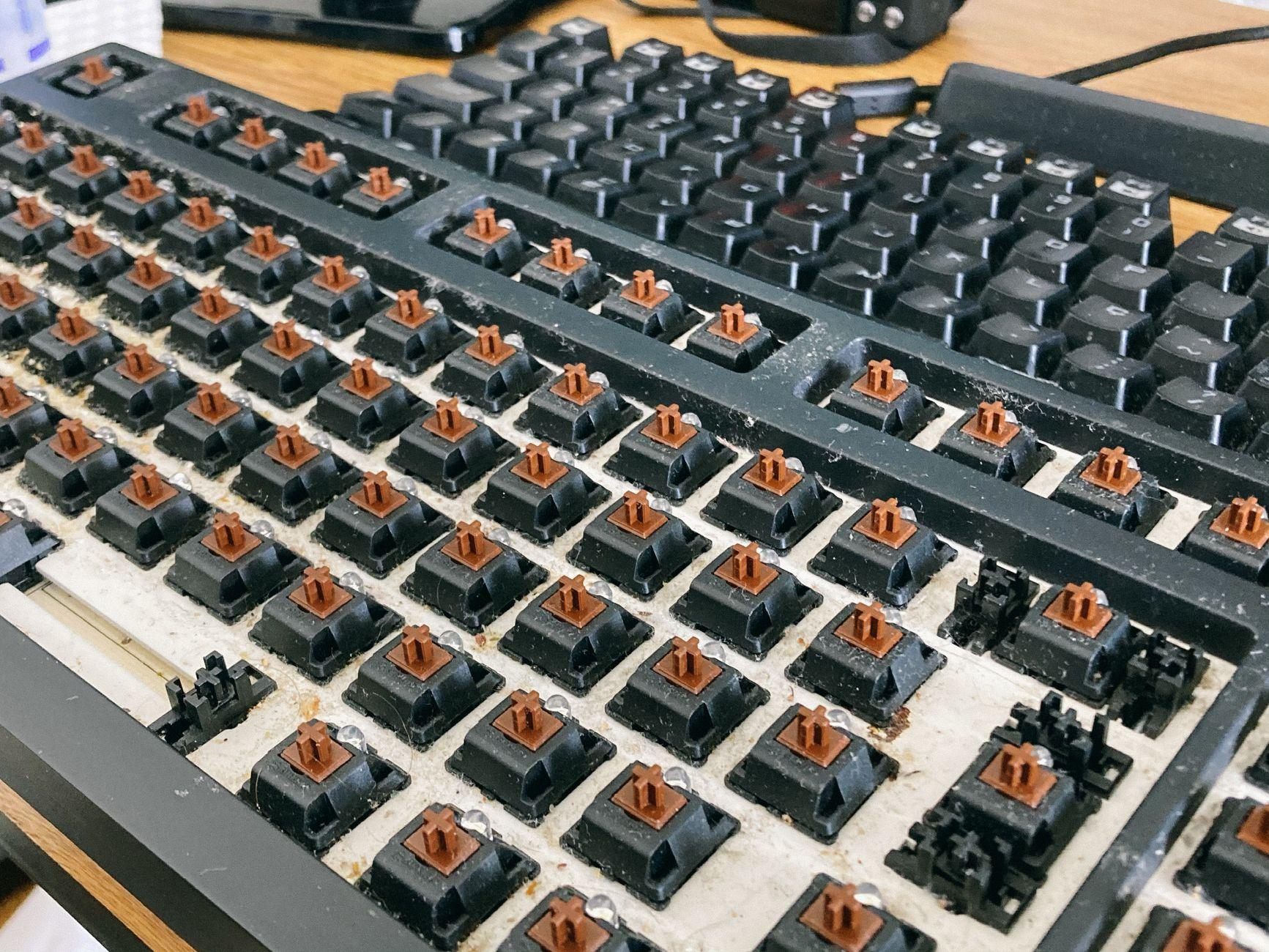
I swear, the first time I saw dust bunnies the size of small rodents clinging to my PC’s graphics card fans, I nearly choked on my Mountain Dew. It’s not just unsightly; it’s genuinely damaging. This seemingly innocent dust buildup acts like a thick, suffocating blanket, trapping heat where it absolutely doesn’t belong. Your gaming hardware, especially components like your CPU and GPU, are designed to dissipate heat efficiently. When dust coats heatsinks and fans, it creates an insulating layer. This means your components have to work harder, and run hotter, to perform the same tasks. Think of it like trying to run a marathon in a wool sweater on a summer day – your body overheats, and performance plummets.
That extra heat isn’t just uncomfortable; it’s actively degrading your hardware. Over time, excessive heat can shorten the lifespan of your processors, graphics cards, and even your power supply. We’re talking about components that can cost several hundred dollars, sometimes even over a thousand, and you’re essentially cooking them slowly. It’s a frustrating reality that such a simple, preventable problem can lead to such expensive damage. I’ve seen CPUs throttle down to half their expected clock speeds because of a clogged heatsink, making even basic gaming a slideshow.
Seriously, the temperature difference can be staggering. A clean PC might run its GPU at around 65-75 degrees Celsius during intensive gaming sessions. Once dust really gets a grip, that number can easily jump to 80-90 degrees Celsius, or even higher. That’s a huge jump, and it’s directly impacting performance. You’ll start noticing frame rate drops, stuttering, and maybe even sudden shutdowns if your system overheats severely enough. It’s like running a high-performance sports car on low-grade fuel; it’ll sputter and die eventually.
The damage isn’t limited to just heat. Dust is also conductive. Imagine a fine layer of dust settling on your motherboard, particularly around delicate capacitors and circuitry. While a small amount might not cause immediate issues, a significant accumulation, especially in humid environments, can potentially lead to short circuits. This is a much rarer occurrence than overheating, but it’s a very real, catastrophic failure mode. Think about what happens when water gets into electronics – dust can behave similarly, albeit much more slowly and less dramatically, until it suddenly isn’t.
Cleaning is the obvious solution, but it’s not always straightforward. Many people just grab a vacuum cleaner, which is a terrible idea. The static electricity generated by most vacuums can fry your components in an instant. Seriously, don’t do it. You need specialized tools. A can of compressed air is your best friend here. You want to use short, controlled bursts. Canned air can be pricey if you use it constantly, which is a bit of a downside; you’re looking at $5-$10 per can, and a single can might only last you a few good cleaning sessions.
A soft-bristled brush, like a paintbrush or a dedicated electronics cleaning brush, is also essential for gently loosening stubborn dust before blowing it away. For really caked-on dust, especially on fan blades or heatsink fins, you might need to carefully dislodge it with the brush. Always work in a well-ventilated area, or even better, outdoors. You don’t want to be breathing all that dust in, and you definitely don’t want to blow it back into your living room. For internal component cleaning, it’s recommended to discharge static electricity by touching a metal surface before you begin. You can learn more about computer maintenance best practices from resources like NerdWallet’s guide to PC cleaning.
My personal opinion? People underestimate how much dust accumulates and how quickly it can become a problem. They buy expensive gaming rigs, spend hundreds of dollars on games, and then neglect the basic upkeep that keeps it all running smoothly. It’s like buying a Ferrari and never changing the oil. The cost of cleaning supplies is negligible compared to the potential cost of replacing a fried GPU. For those really deep cleans, especially if you’re not comfortable opening up your case, paying a professional for a cleaning service might be worth it, usually costing anywhere from $50-$150, depending on the shop and the complexity of your system. You can find local computer repair shops through a quick search on sites like Google Maps.
Beyond just preventing overheating and short circuits, keeping your hardware clean can also improve airflow within your case. A cluttered case, whether with dust or tangled cables, restricts how air can move. Good airflow is crucial for keeping all your components at optimal temperatures. Think of your PC case as a lungs for your hardware; you want it to breathe freely. A dirty filter on your case intake is a prime culprit for early dust buildup. These filters are usually removable and can be washed with soap and water – a surprisingly effective and cheap maintenance task.
One overlooked aspect is how dust can affect storage devices, especially SSDs and HDDs. While not as directly impacted by heat as CPUs and GPUs, dust can still clog cooling vents on some enclosures and, in severe cases, interfere with fan operation on mechanical hard drives, potentially leading to data loss. The sheer amount of dust that can clog the tiny vents on an external hard drive is astonishing. It’s a testament to how pervasive this problem really is, affecting everything from your graphics card to your data storage.
Ultimately, the biggest criticism of dust cleaning is that it’s simply a chore. It’s not exciting, it doesn’t give you more frames per second directly, and it requires a bit of effort and the right tools. Many users, especially younger gamers, might not even realize this is a necessary maintenance step, often learning about it only after a component fails. The long-term financial impact of ignoring dust buildup is undeniable. According to Forbes, the cost of electronic waste is a growing concern, and premature replacement of hardware due to neglect is a significant contributor to that problem.
It’s a good thing those dust bunnies can’t actually start a fire, right?