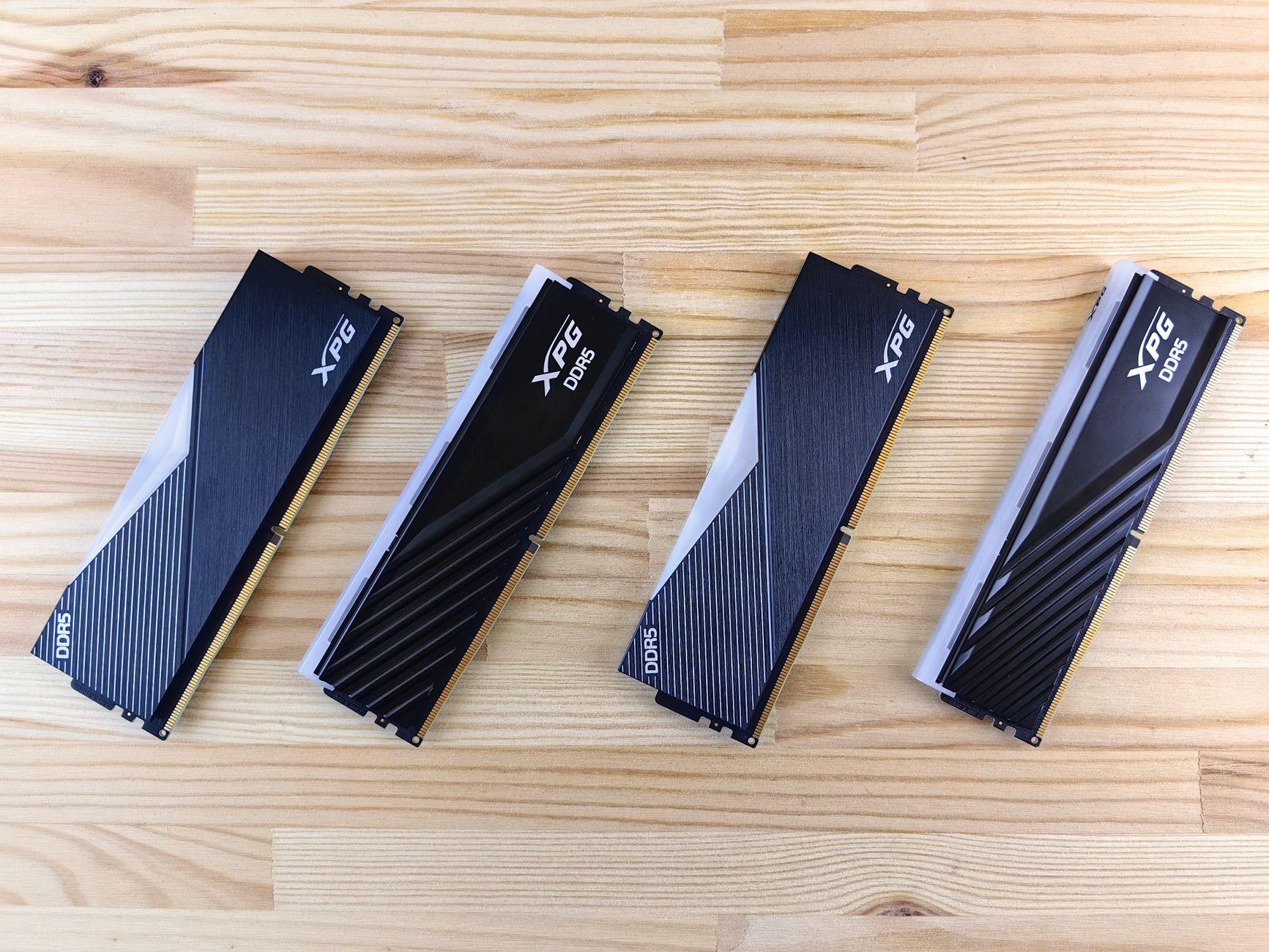

That Tiny Stick of Memory: How RAM Speed Can Actually Make Your Games Fly (or Crawl)
Man, I remember building my first PC back in the day. I thought the graphics card was everything. Spent a fortune on the fanciest GPU I could afford, figuring that’s all that mattered for smooth gameplay. Turns out, I was overlooking a seriously important, and often underestimated, component: RAM speed. Seriously, you can have a beast of a CPU and a top-tier graphics card, but if your RAM is slow, your whole system can feel sluggish. It’s like having a Ferrari engine hooked up to bicycle wheels – the power’s there, but it can’t get to the road effectively.
I used to scoff at people talking about high-speed RAM, thinking it was just for hardcore overclockers or benchmark chasers. Then I upgraded my own rig, not just in capacity but in speed. The difference was genuinely startling. Games that used to stutter, especially during intense moments with lots of action on screen, suddenly felt buttery smooth. I’m talking about games like Cyberpunk 2077 with all the visual bells and whistles cranked up, or Call of Duty: Warzone when you’re in a massive firefight. The load times even seemed to shave off a few precious seconds, which, let’s be honest, feels like an eternity when you’re itching to get into the action. This isn’t just a marginal improvement; we’re talking about a noticeable jump in how responsive your games feel.
The thing is, your CPU constantly needs to access data – instructions for what to do, game assets like textures and models, and all the other bits and bobs that make a game run. RAM is the short-term memory for your CPU. The faster your RAM can deliver that data, the less time your CPU spends waiting around, twiddling its virtual thumbs. Think of it like a chef preparing a meal. If their pantry (your RAM) is right next to the stove (your CPU), and they can grab ingredients super fast, the meal comes out quicker. But if the pantry is way across town, they’re making a lot of trips back and forth, slowing down the whole process. DDR4 RAM and the newer DDR5 RAM technologies have made some pretty massive leaps in transfer speeds, measured in megahertz (MHz). While older RAM might chug along at 2133 MHz or 2400 MHz, you’ll now find kits running at 3600 MHz, 4800 MHz, or even much higher. These aren’t just numbers; they translate directly into how quickly your CPU can get the information it needs.
Now, here’s the rub, and it’s a big one: RAM speed doesn’t impact every single game equally. For games that are heavily reliant on CPU processing and don’t demand a ton of data from RAM all at once, the difference might be negligible. You’re not going to see a dramatic boost in older, less demanding titles. It’s really in modern, graphically intensive AAA games that the impact becomes more apparent. Furthermore, the motherboard you’re using has to support the speed of your RAM. If you slap some super-fast DDR5 RAM into a motherboard that only officially supports DDR4 at lower speeds, you’re not going to get the performance you paid for. It’s a bit like buying a Formula 1 tire but having it fitted to a minivan – it’s just not designed to work together.
I once spent a solid $100 on a pair of 3200 MHz RAM sticks for a build, only to realize after the fact that my budget motherboard had a poorly implemented RAM controller. I was getting speeds closer to 2400 MHz in reality. Talk about a punch to the gut! It really hammered home the point that you can’t just buy the fastest RAM and expect magic; you need a cohesive system. You’ve got to do your homework and check your motherboard’s specifications to see what RAM speeds it officially supports and, ideally, what speeds it can handle in practice. Websites like AnandTech often have deep dives into specific motherboard performance with various RAM configurations.
The bottleneck can also shift. Sometimes, even with fast RAM, your GPU might become the limiting factor, especially at lower resolutions like 1080p. In those scenarios, a faster CPU and RAM won’t help as much because the graphics card is already working at its maximum capacity, pushing out as many frames per second (FPS) as it can. You can find plenty of benchmarking websites that show the CPU versus GPU bottleneck in different games, like those on TechSpot. The sweet spot for RAM speed often lies in the 3200 MHz to 4000 MHz range for DDR4, and 5600 MHz to 7200 MHz for DDR5, but again, motherboard support and your specific CPU are huge factors. For instance, AMD Ryzen processors, especially the newer generations, tend to benefit more significantly from faster RAM than their Intel counterparts, due to how their Infinity Fabric interconnect works. You can often find reliable RAM speed guides and comparisons on sites like Tom’s Hardware.
Honestly, after seeing how much smoother things can get, I’m a firm believer that fast RAM is one of the most cost-effective ways to squeeze more performance out of an existing or new PC build, provided the rest of your hardware can keep up. It’s not as flashy as a new graphics card, but the payoff in smoothness and responsiveness is undeniable. It really makes you question what else you might be missing out on in your build.