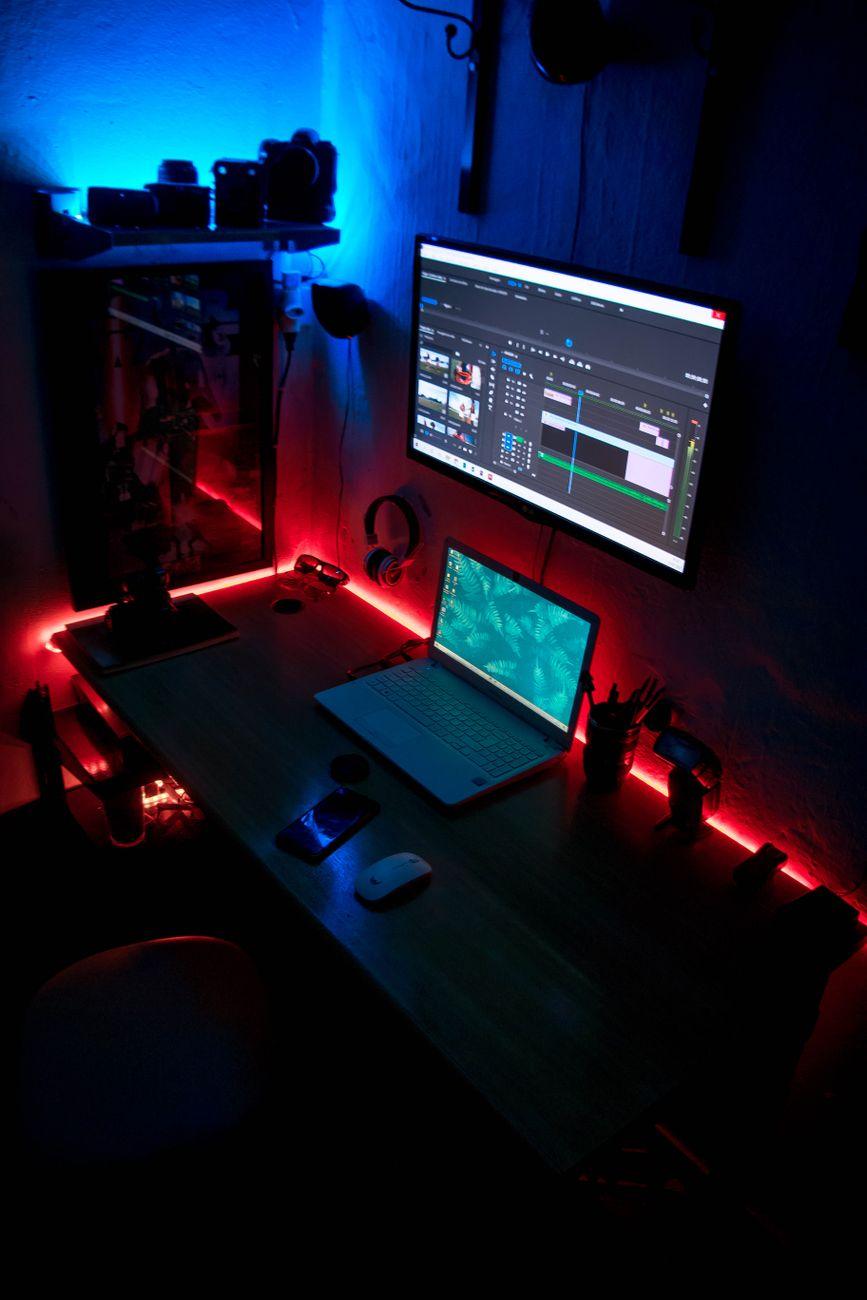

Beyond the Rainbow: How RGB Lighting Works Actual Magic (Not Just Pretty Lights)
I remember when my first PC build was all about function over form. A beige box that sounded like a jet engine. Now, you can’t swing a dead cat in the tech world without hitting some kind of RGB lighting. Seriously, LED strips, fans, keyboards, mice, motherboards – it’s everywhere. But you know, it’s not just about making your rig look like a disco ball threw up. There’s some genuinely clever stuff going on behind those flashing colors.
My buddy, who’s a graphic designer, once told me his entire setup pulsed with a soft blue light when he was in a “focus” mode, then shifted to a warm orange when he was brainstorming. He swore it helped him get into the right headspace. It sounds a little out there, but the science of color psychology is pretty well-documented. Different colors can genuinely influence our mood and perception. Think about it: you see a red stop sign and your brain immediately registers “danger” or “halt.” A bright green can feel calming and natural. So, manufacturers are tapping into this, trying to use RGB to subtly signal system status, performance alerts, or even just to create a more immersive environment for whatever you’re doing. It’s not just for show; it’s a visual language for your tech.
It’s kind of wild how quickly this has become mainstream. Back in the day, custom lighting meant shoving some neon tubes under your car. Now, it’s a standard feature on gaming peripherals that can cost a few hundred bucks. We’re talking about $50 gaming mice with millions of color combinations and $200 graphics cards that have their own RGB accents. The sheer complexity of the software needed to control all of this is mind-boggling; you often need a dedicated app just to manage the lights on your keyboard, let alone your entire PC.
And that’s where things get a bit… annoying. While the idea of customizable lighting is cool, the reality can be a tangled mess. I’ve spent hours trying to sync up RGB software from different brands, only to have them fight each other like toddlers over a toy. One brand’s software will override another’s, or suddenly your perfectly dialed-in purple becomes a garish pink. It’s enough to make you want to unplug everything and go back to plain black plastic. This lack of standardization is, frankly, a massive pain in the backside for anyone who wants a cohesive lighting setup across multiple components.
But when it works, it’s pretty neat. Some motherboards, for instance, can be configured to show you different CPU temperatures through color. A solid blue might mean everything’s cool, while a blinking red indicates your processor is about to stage a meltdown. Gamers often use RGB to visually represent in-game events. Imagine your keyboard lights flashing red when your in-game health is low, or your mouse lighting pulsing with the color of your character’s spell. It’s a direct, visual cue that can be faster to register than a small on-screen bar. This kind of real-time feedback can genuinely give you an edge, especially in fast-paced games where every millisecond counts.
Beyond gaming, there are practical applications too. For content creators, RGB lighting can be used to indicate microphone status. A steady white light might mean your mic is on and clear, while a red glow signals it’s muted. This is incredibly useful when you’re recording or streaming and don’t want to constantly check a tiny icon on your screen. It’s a subtle way to stay informed without breaking your flow. Plus, some productivity software is starting to integrate with RGB ecosystems, subtly shifting your desk lighting to remind you to take a break or signal an upcoming meeting. It’s like having a silent, colorful assistant.
Of course, let’s not pretend it’s all sunshine and rainbows. The biggest criticism, and it’s a valid one, is the added cost. You’re often paying a premium for RGB-enabled components over their non-lit counterparts. Is a $20 RGB fan really that much better than a $15 non-RGB fan? For most people, probably not. You’re paying for the aesthetic and the novelty, which is fine if that’s what you want, but it’s an expense that doesn’t directly improve core performance. Many sources, like Investopedia’s guide to technology investments, highlight how hardware upgrades should prioritize performance gains, and RGB often falls short of that mark.
The energy consumption is another often-overlooked aspect. While a single RGB LED uses very little power, when you have dozens of them lighting up your entire PC case, keyboard, and desk peripherals, it can add up over time. It’s not going to break the bank, but it’s a factor to consider, especially with rising electricity costs. According to the U.S. Energy Information Administration, even small electronics contribute to overall energy usage, and RGB lighting is no exception.
Ultimately, the purpose of RGB lighting is evolving. It started as a way to make our tech look cool, but it’s slowly but surely becoming a more integrated part of how we interact with our devices. It’s a visual language, a subtle nudger, and yes, still a pretty way to make your setup pop. It’s just a shame they haven’t figured out how to make all the software play nice yet.