
Clicking, Clacking, and Smooth Sailing: What’s Under Your Fingers on a Keyboard?
I remember the first time I realized key switch types were actually a thing. I was playing a game, and my friend was bragging about his fancy mechanical keyboard, going on and on about how it felt like typing on clouds. Meanwhile, my cheap membrane board felt like I was stabbing my fingers into a bag of jelly. It was a revelation, and honestly, a little bit frustrating that I’d been missing out on so much just by not knowing the difference.
The feel of a keyboard switch can completely change how you interact with your computer, whether you’re banging out an email or trying to execute a perfect headshot. It’s not just about making noise; it’s about the tactile bump you feel, the force needed to press the key, and how quickly it springs back up. This is where you get into the main categories: mechanical keyboards and membrane keyboards. Most standard keyboards you find at big box stores are membrane keyboards. They use a rubber dome under each keycap that collapses when you press it, completing a circuit. They’re generally quiet and affordable, costing anywhere from $20 to $70 for a decent one.
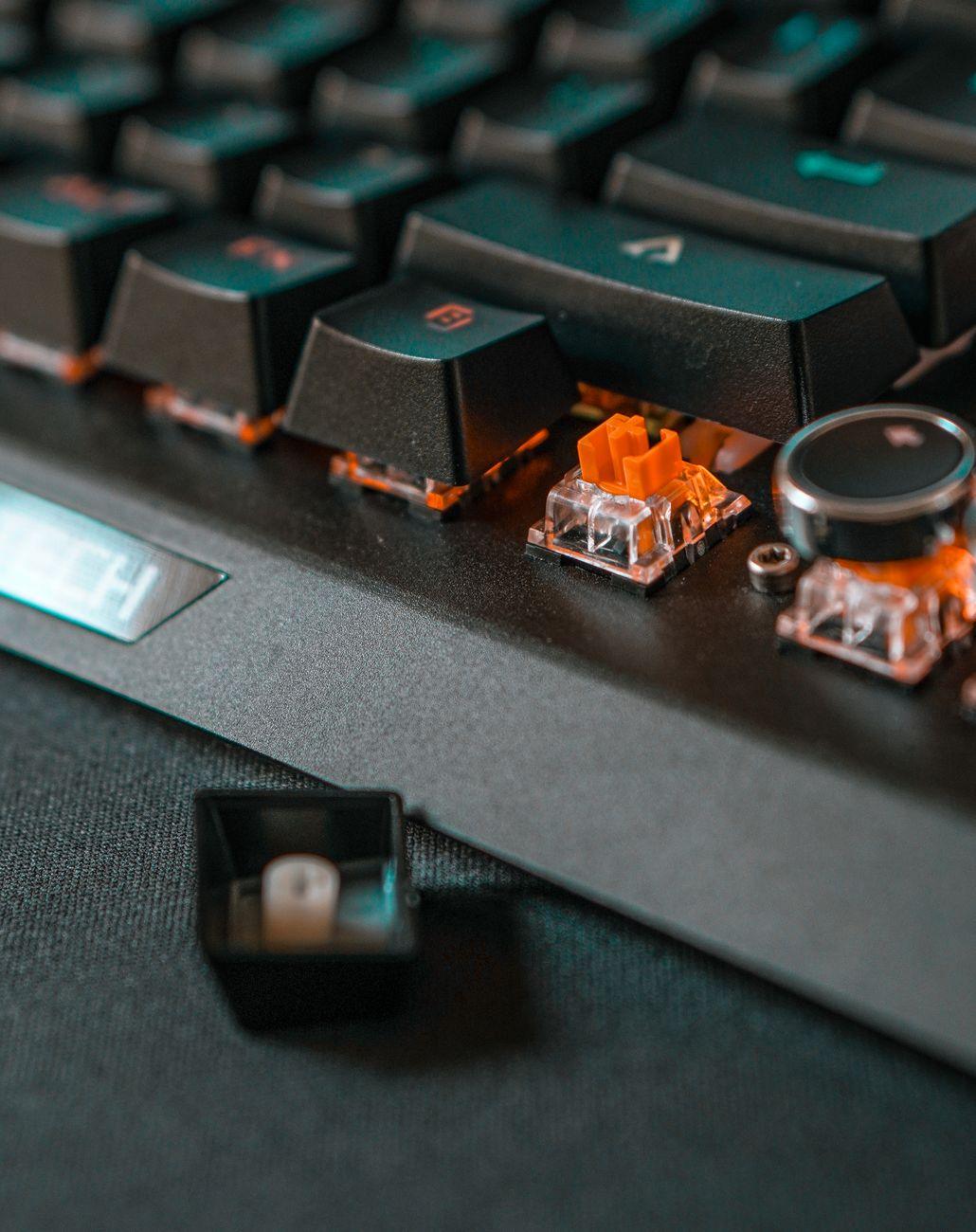
But for many, the real magic happens with mechanical keyboards. These guys have individual mechanical switches under each key, and there are a ton of variations. You’ll typically hear about three main types: linear, tactile, and clicky. Linear switches, like Cherry MX Red or Gateron Reds, are super smooth from top to bottom. There’s no bump, no click, just a consistent press. Gamers often love these because you can spam keys really fast without feeling any resistance.
Then you’ve got tactile switches, like Cherry MX Brown or Gateron Browns. These give you a little “bump” you can feel as the key actuates, but without an audible click. It’s like a gentle nudge that tells you, “Yep, that press registered!” I personally lean towards these for everyday typing because that little bump helps me avoid accidentally hitting keys and feels more satisfying than a mushy membrane board.
And finally, the clicky switches. Think Cherry MX Blue or Gateron Blues. These are the ones that make that iconic click-clack sound. You get both a tactile bump and an audible click, which some people find incredibly satisfying for typing. It’s like getting confirmation with every single keystroke. However, and this is where it gets annoying for some, these can be loud. Seriously, if you’re sharing a workspace or living with someone who values quiet, clicky keyboards might just lead to a swift eviction notice.
The biggest downside to mechanical keyboards, beyond the noise of clicky switches, is the price. You’re looking at $80 and up, easily hitting $200 or more for enthusiast-grade boards with all the bells and whistles. They also tend to be heavier, which is great for stability but not so much if you’re constantly on the go. Cleaning can also be a bit more involved since you have all those individual switches to contend with. You might need a can of compressed air and a brush, or even have to pop off keycaps.
It’s easy to get lost in the weeds with all the specific switch names and actuation forces. But at the end of the day, it comes down to what feels best for you. Do you want a whisper-quiet typing experience, or do you crave that satisfying auditory feedback? Do you need the absolute fastest response time for gaming, or is a subtle tactile cue enough? Trying out different keyboard switch types in person is ideal, though not always practical. Websites like Keychron offer demo kits and detailed switch specifications, and resources like MechanicalKeyboards.com provide further deep dives into the nuances.
Ultimately, the “best” keyboard switch type is subjective. Someone claiming their favorite switch is objectively superior is probably just trying to justify their own expensive habit, much like collectors of vintage Rolex watches.