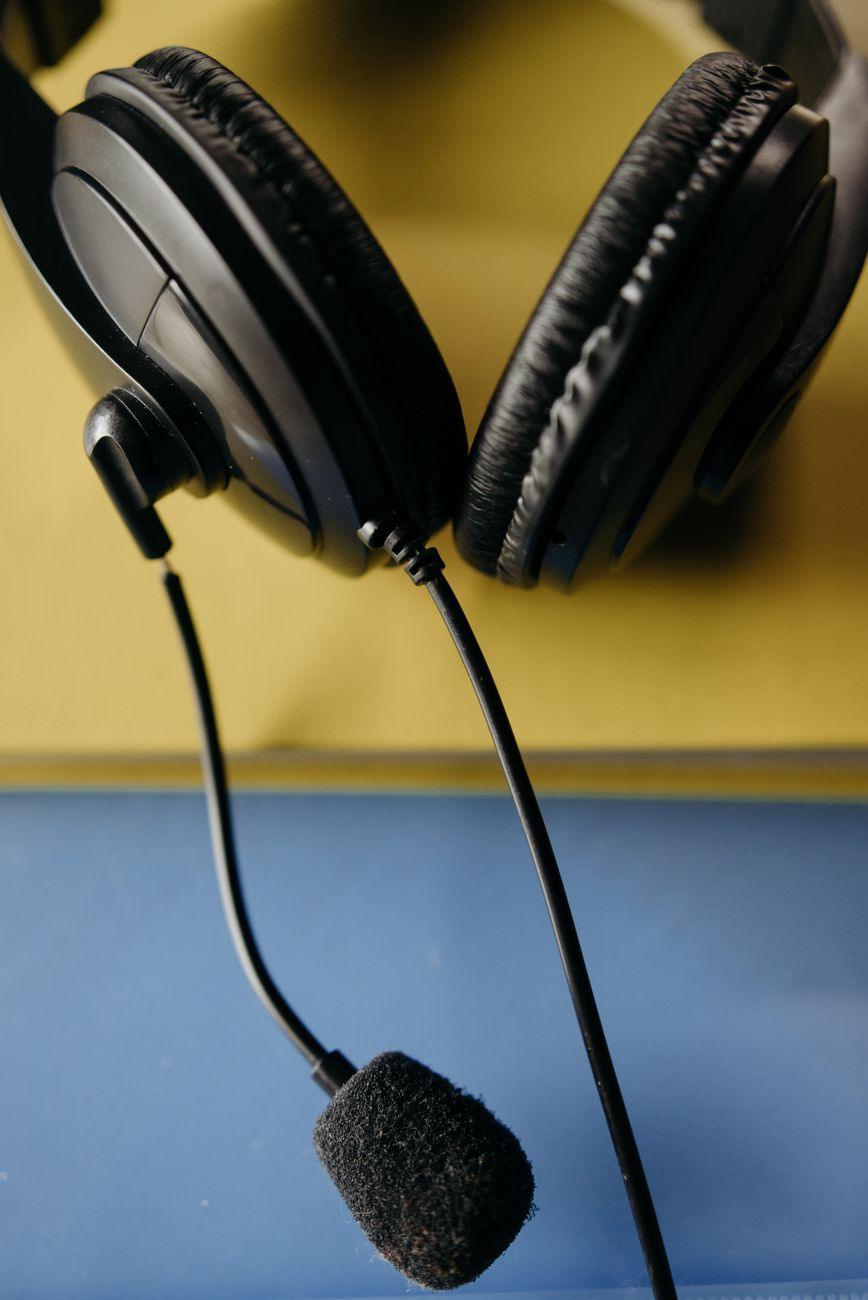

Squashing Your Squad’s Sound: How Voice Chat Compression Changes Everything
I remember back in the day, playing Counter-Strike with my buddies, and half the time we couldn’t tell if someone was calling out a flank or just clearing their throat. We’d be yelling over each other, the game’s sound effects drowning out crucial intel, and it was pure chaos. Then, someone introduced us to voice chat compression, and suddenly, it was like we were all sitting in the same room. Voice chat compression essentially takes your audio signal and, well, squeezes it. It reduces the dynamic range, which is the difference between the loudest and quietest parts of your voice. Think of it like this: if you whisper and then immediately shout, a compressor tries to bring those two volumes closer together, making both more audible. This is absolutely essential for online gaming because background noise, game audio, and even the varying distances of mics from mouths can create huge volume swings. Without compression, your teammates might miss that critical, softly spoken warning about an enemy creeping up behind them.
It’s kind of wild when you think about it, really. Imagine trying to have a conversation in a crowded stadium, and everyone’s volume is all over the place. That’s what in-game voice chat can be like without compression. It’s designed to make your voice more consistent and present. It often works by lowering the volume of your audio when it gets too loud and boosting it when it gets too quiet. This keeps your voice within a more manageable range, ensuring it cuts through the cacophony of explosions, gunfire, and whatever else the game throws at you. Most modern voice chat applications, like Discord or even built-in game features, have some form of automatic gain control (AGC) or noise gating that work hand-in-hand with compression to keep your comms clear.
But here’s where it gets a little frustrating for me. While compression is a lifesaver, it’s not perfect, and sometimes it can make things sound… weird. The biggest criticism, and one I’ve definitely experienced, is that it can strip away the natural timbre and richness of your voice. It can make you sound a bit robotic or tinny, especially if the compression settings are too aggressive. I’ve had people tell me I sound like I’m speaking through a tin can, and it’s all because the software is working overtime to keep my audio consistent. It’s a trade-off, for sure. You gain clarity, but you might lose a little bit of your vocal personality. And don’t even get me started on how bad some noise suppression algorithms can be; they sometimes cut out words or make you sound like you’re underwater!
The intention behind voice chat compression is pretty straightforward: make communication easier and more effective. This is particularly crucial in competitive games where split-second decisions depend on clear communication. If you’re playing a game like Valorant or Apex Legends, hearing “He’s flanking B!” clearly and instantly can be the difference between winning a round and getting wiped. Compression helps ensure that kind of vital information isn’t lost in the shuffle. It’s about making sure that even when you’re a bit further from your mic, or you accidentally bump it, your teammates can still understand you. For example, Discord’s built-in voice processing includes noise suppression, echo cancellation, and automatic gain control, all of which rely on compression principles to some extent. You can often tweak these settings, but finding that sweet spot can feel like an art form.
Honestly, I used to think my microphone was just bad. I’d spend hundreds of dollars on new mics, trying to get that crystal-clear sound my favorite streamers had. It wasn’t until I really dug into audio settings and understood what compression and noise gating were doing that I realized it was less about the hardware and more about the software processing. It’s kind of humbling, actually. You’re not always as technically deficient as you think; sometimes, you just need to understand the tools available. This is why checking out resources like the documentation for audio codecs like Opus can offer a deeper, though more technical, understanding of how these things work under the hood.
The effectiveness of voice chat compression really depends on the software you’re using and how it’s implemented. Some programs, like Mumble, are known for their excellent audio quality and sophisticated compression algorithms. Others, well, let’s just say they leave a lot to be desired. The goal is to find a balance where your voice is clear and intelligible without sounding overly processed or artificial. It’s a delicate dance between making sure everyone can hear you and making sure you don’t sound like a robot from a low-budget sci-fi flick. You’ll often see settings for threshold, ratio, and attack/release times in more advanced audio software, which give you fine-grained control, but for most gamers, the automatic settings are usually sufficient, albeit imperfect. Understanding these basic principles, like those outlined in general guides to audio compression for beginners, can still be incredibly helpful.
One of the limitations is that compression struggles with very high-frequency sounds or sudden, sharp noises. If someone sneezes right into their mic, even with compression, it can still cause a jarring spike in volume. Similarly, if your mic is picking up a lot of ambient noise, like a dog barking or traffic outside, the compressor might boost that noise along with your voice, making it equally audible. This is why noise suppression features are so important. They try to identify and remove sounds that aren’t speech, working in tandem with compression. However, even the best noise suppression isn’t foolproof, and it can sometimes accidentally mute your voice if you pause for too long or speak very softly. It’s a constant battle between clarity and unwanted background noise.
Ultimately, voice chat compression is a necessary evil for modern online gaming. It’s what allows for coherent communication amidst the digital storm. But if you ever find yourself sounding like you’re broadcasting from the moon, don’t blame your mic first; blame the compressor. And honestly, I suspect most of us would rather sound like a slightly tinny robot than be completely unable to coordinate our attacks.