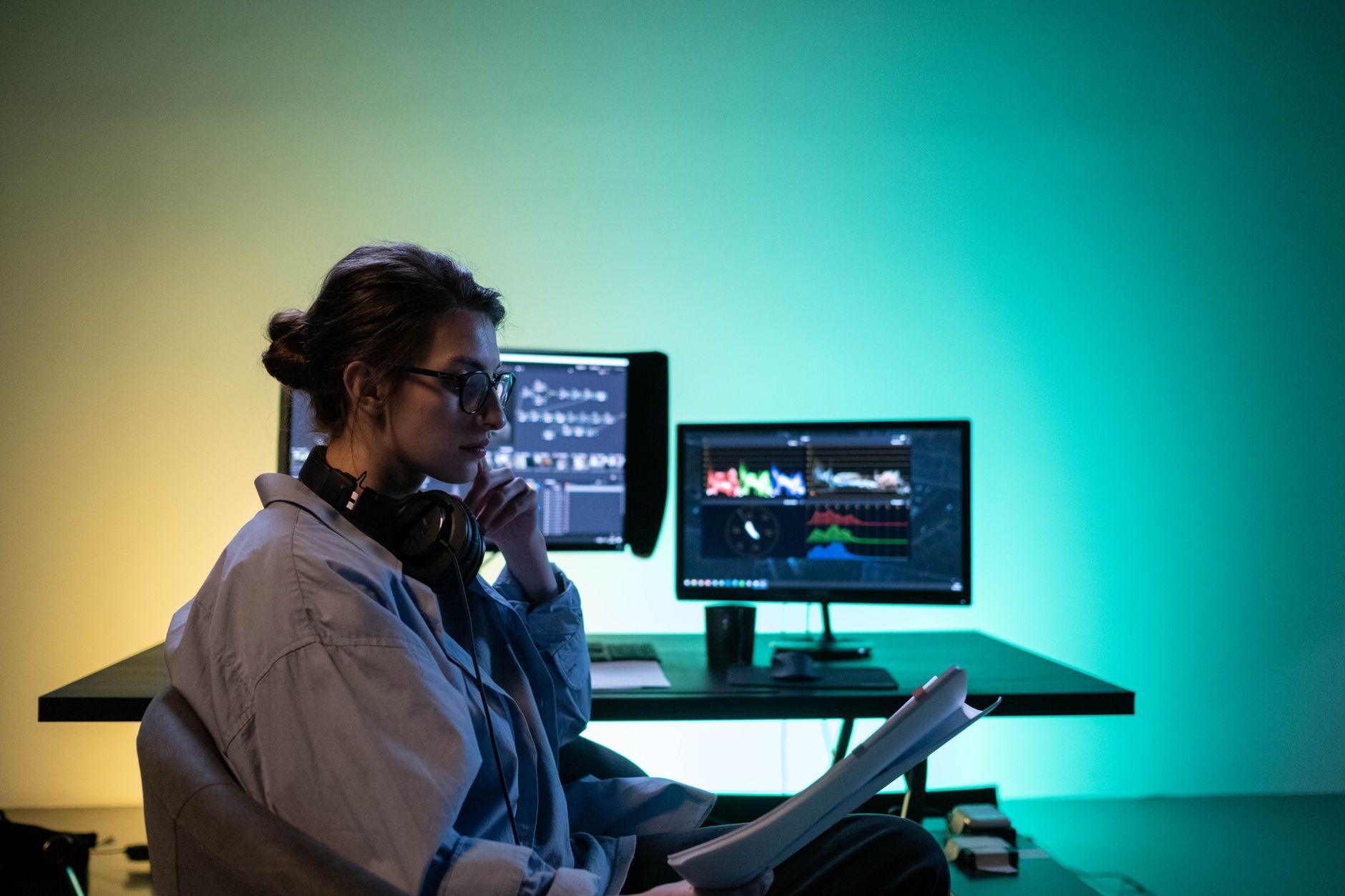

Unleash Your Inner Multitasking Ninja: The Hidden Power of That Extra Screen
I remember when I first got my second monitor, I was a little skeptical. I mean, how much difference could one more screen really make? Turns out, it was a lot. For years, I’d been juggling browser tabs and wrestling with shrinking windows on my single laptop screen, and honestly, it felt like trying to play chess with my hands tied behind my back. The sheer relief of having my email on one screen and my work document on the other was immediate. It’s like opening a window in a stuffy room; suddenly, you can breathe.
You might think it’s just about cramming more information in front of your face, but it’s deeper than that. It’s about reducing cognitive load. When you’re constantly switching between applications on one screen, your brain expends energy just to reorient itself. With a second display, you can keep related tasks visible simultaneously. Imagine writing a report while referencing a research paper from a website like Wikipedia, or debugging code while keeping the project management tool open. It’s a workflow enhancement that feels almost effortless once you get used to it.
This isn’t some futuristic fantasy; plenty of professionals swear by it. Take programmers, for instance. They often have their code editor on one monitor and debugging tools or documentation on the other. Even graphic designers might keep their design software open on one screen and reference images or client feedback on a second monitor. I’ve seen writers with their word processor on one screen and research notes or social media feeds on another. The efficiency gains are often cited as being in the 10-25% range, which sounds small, but over weeks and months, that adds up significantly.
Frankly, I was annoyed that I waited so long to make the leap. The initial setup is usually a breeze, often just plugging in a USB-C cable or an HDMI cord. The biggest hurdle for many, and it’s a valid one, is the cost. While budget monitors can be found for as little as $100 to $150, high-quality or larger displays can easily run you $200 to $400 or more. This investment isn’t always feasible, especially for students or those just starting out. Plus, you need the desk space to accommodate it, which is becoming a premium commodity in many apartments these days.
The flexibility a second monitor provides is where its real strength lies. You can create your own customized workspace tailored to your specific needs. Maybe you want your Slack channels and calendar visible at all times so you don’t miss important messages or meetings. Perhaps you’re a day trader who needs multiple stock charts displayed simultaneously to monitor market fluctuations. Or maybe you just want to browse social media without constantly minimizing your work. It’s about having the screen real estate to manage your digital life more effectively. According to a study from Stanford University, while people think they’re good at multitasking, they’re often not actually improving their performance. A second monitor helps simulate multitasking more efficiently.
However, it’s not all sunshine and rainbows. There’s a definite learning curve, and it can be surprisingly easy to fall into the trap of simply spreading out distractions across both screens. I’ve caught myself with my personal social media on one monitor and my work tasks on the other, which completely negates the benefit. It requires a degree of discipline to actually use the setup to enhance productivity rather than just magnify the chaos. It’s like having a bigger toolbox; you still need to know which tool to grab for the job.
The ergonomics are another consideration. You’ll likely be turning your head more, and if the monitors aren’t positioned correctly, you could end up with neck strain or eye fatigue. Investing in a monitor stand or an adjustable arm can help, but that’s another potential cost to factor in. Many tech articles will tell you to get your second monitor to be the same size and resolution as your primary, but honestly, I’ve found it works just fine with a slightly different screen. It’s not the end of the world if they don’t match perfectly.
Ultimately, whether a second monitor is worth it depends heavily on your personal workflow and your budget. For many, the productivity boost and the reduction in frustration are undeniable. It’s a subtle upgrade that can have a profound impact on how you interact with your computer. But if you’re someone who gets easily distracted or doesn’t have the physical space, you might just be buying yourself a more expensive way to procrastinate.