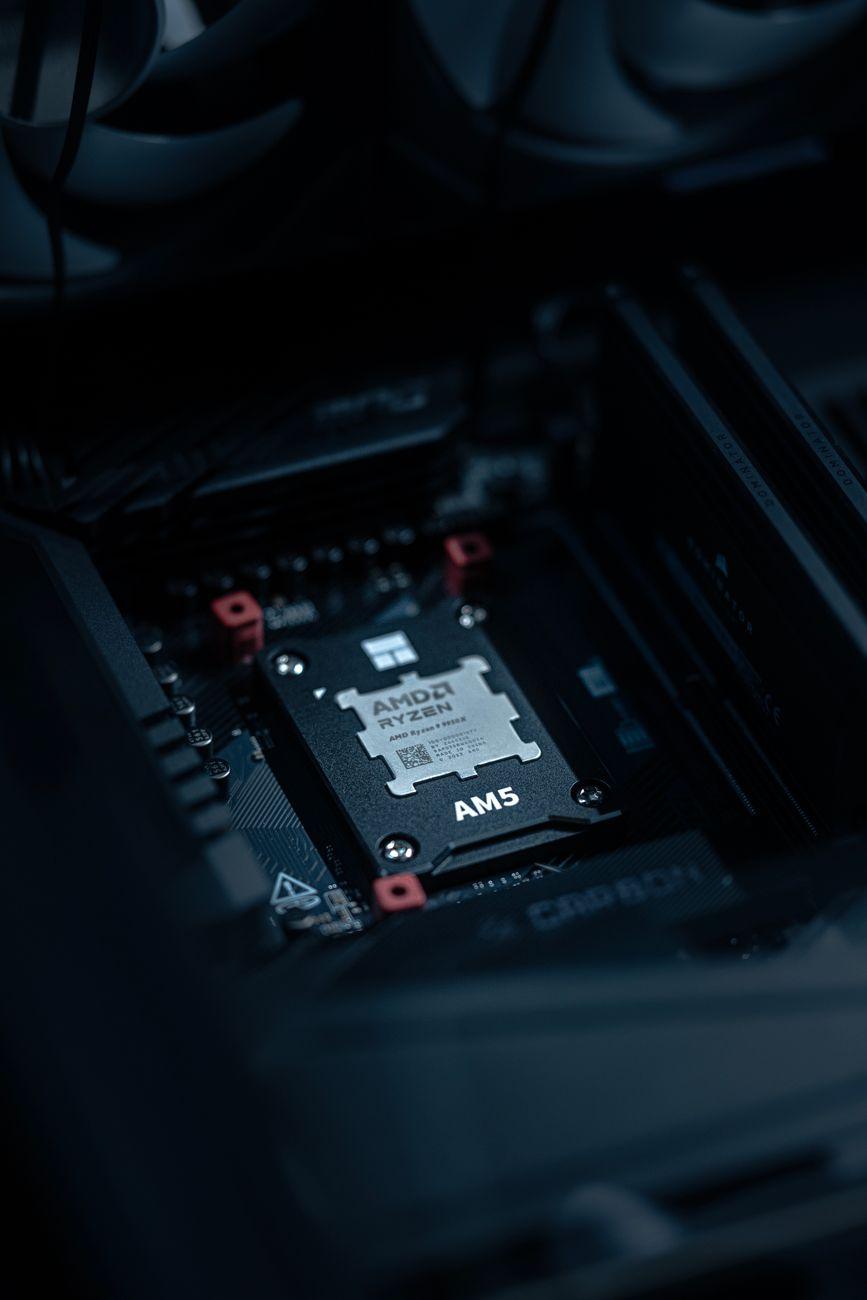

Pushing Your CPU Past Its Pink Slip: What Happens When You Crank the Speed Knob?
I remember the first time I tried to overclock my ancient AMD Athlon XP. It was back in the early 2000s, and the internet was buzzing about squeezing more juice out of our CPUs. I religiously followed a guide, carefully nudged the multiplier up by a single notch, and held my breath as I rebooted. Seeing that Windows startup screen load just a hair faster felt like I’d discovered cold fusion. Overclocking, at its core, is about telling your processor to run its internal clock faster than the manufacturer intended. Instead of the rated gigahertz (GHz), say 3.5 GHz, you might push it to 3.8 GHz or even 4.0 GHz. This extra speed translates to more calculations per second, which, in simple terms, means your computer can do more work in the same amount of time. For tasks like gaming, video editing, or even just loading applications faster, this can be a noticeable improvement, sometimes by 5-15%, depending on the chip and how far you push it.
But here’s the catch, and frankly, it’s infuriating if you’re not prepared: heat. When you force your CPU to work harder and faster, it generates significantly more heat. Think of it like running a marathon uphill in a wool sweater – it’s going to get toasty. This extra heat is the primary limiting factor. If your cooling solution – whether it’s a stock CPU cooler or a fancy aftermarket liquid cooler – can’t dissipate the added thermal energy, your processor will start to throttle itself down to prevent permanent damage. You might see performance actually drop under heavy load, which is the exact opposite of what you were trying to achieve. It’s a delicate dance between brute force and thermal management.
My buddy Dave was convinced he could get his new Intel Core i7 to hit 5.0 GHz without breaking a sweat. He installed a cheap all-in-one liquid cooler and started cranking. Within ten minutes of running a stress test, his CPU temperatures were hitting the high 80s Celsius. He ended up having to dial it back considerably, and frankly, he was pretty disappointed. He’d spent extra money on a motherboard advertised for overclocking only to be limited by a subpar cooler. It’s a classic case of chasing bragging rights and forgetting the fundamental physics involved.
There’s also the undeniable risk of instability. While a CPU might boot up fine at a higher clock speed, it might not be entirely stable under real-world conditions. You could experience random crashes, blue screens of death (BSODs), or even corrupted data. It’s not like flipping a switch; you have to test, test, and test again. This means running demanding benchmarks and games for hours to ensure your system won’t suddenly decide to call it quits during a critical moment. For professional work where data integrity is paramount, like financial modeling or complex scientific simulations, pushing your processor beyond its guaranteed specifications can be a really bad idea, as noted by experts at places like Investopedia.
Beyond heat and stability, overclocking definitely impacts power consumption. A CPU running at a higher clock speed will draw more electricity. This isn’t just about your electricity bill (though it will go up slightly); it also means your power supply unit (PSU) needs to be robust enough to handle the increased load. If your PSU is borderline, an overclock can lead to all sorts of unpredictable issues and, in the worst-case scenario, potentially damage components. You’re essentially asking your entire computer’s electrical system to work overtime, and that requires a stronger foundation. Think about trying to run a gas-guzzling truck on a flimsy little engine designed for a compact car – it’s not going to end well.
And let’s not even get started on the warranty. Most CPU manufacturers, like Intel and AMD, explicitly state that overclocking voids their warranty. If your processor dies as a direct result of pushing it too hard, you’re on your own. You’re basically saying goodbye to that peace of mind you get from knowing your expensive hardware is protected against manufacturing defects. For many, the potential performance gains simply aren’t worth that gamble, especially on newer, high-end chips where the out-of-the-box performance is already quite impressive. It’s a decision that requires weighing the cost of potential hardware failure against the benefit of a few extra frames per second.
Ultimately, the allure of overclocking is understandable. Who wouldn’t want more performance without buying new hardware? It’s a seductive proposition. However, it’s a journey fraught with potential pitfalls. You need to invest in proper cooling, a capable power supply, and have a deep understanding of your system’s limits. It’s not a simple tweak; it’s a commitment to tinkering and troubleshooting. Maybe you should just buy the faster CPU in the first place.