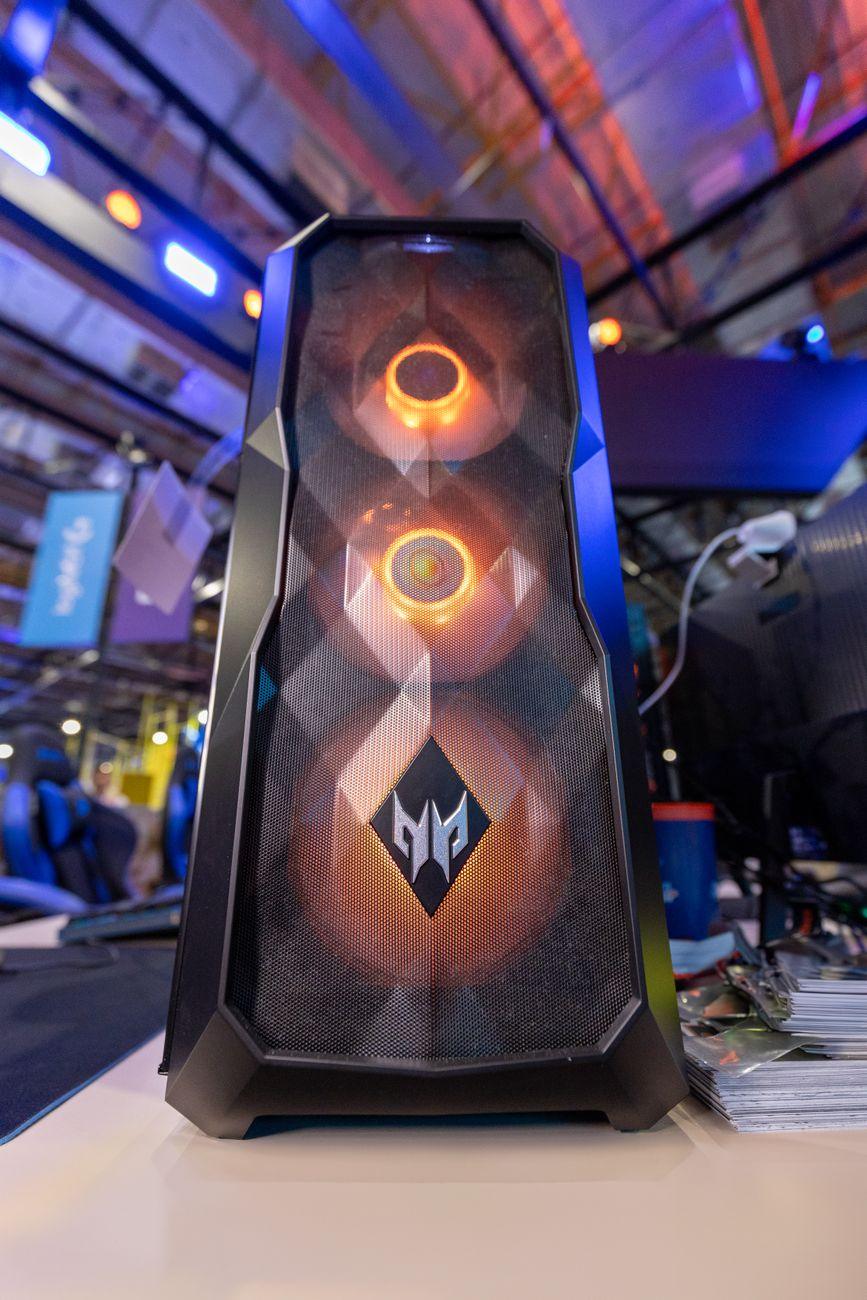

The Great Gaming Rig Rumble: Where Does Your Powerhouse Live?
I remember lugging my first “gaming laptop” to a LAN party. It was a beast, both in weight and in its ability to melt my lap after about an hour of Call of Duty. Fast forward a decade, and laptops have gotten incredibly powerful, but the core trade-offs between a laptop and a desktop gaming rig haven’t really changed all that much. It’s a constant battle between portability and raw, unadulterated power. You want to game on the go, maybe at a friend’s place or a hotel? A laptop is your only real option. Need the absolute best performance for your dollar, with the flexibility to upgrade whenever you feel like it? Desktops still reign supreme.
For a while there, I thought gaming laptops were going to completely kill the desktop. They’ve gotten so good! You can find laptops packing Nvidia’s latest RTX 40-series graphics cards and Intel’s high-end Core i9 processors, capable of pushing 100+ frames per second in demanding titles at 1440p. They’re sleek, they’re self-contained units, and you don’t need a dedicated room for them. But then you start looking at the price tags. A high-end gaming laptop can easily set you back $2,000 to $4,000, sometimes even more. And that’s often before you even consider accessories.
Now, for that same $2,000 to $4,000, you could build a desktop PC that would absolutely demolish almost any laptop on the market, with room left over for a top-tier monitor, mechanical keyboard, and gaming mouse. Desktops simply have more space for better cooling solutions. That means components can run at higher clock speeds for longer without thermal throttling, leading to more consistent frame rates. Plus, upgradability is a massive advantage. Need more RAM? Swap it out. Want a faster graphics card next year? You don’t need to buy a whole new machine; you just replace the GPU. This longevity is something laptops just can’t compete with.
The biggest downside to gaming laptops, beyond the hefty price premium for equivalent performance, is the inevitable heat and noise. Seriously, some of these thin and light machines sound like jet engines taking off when you push them. And while they’ve gotten better, you’re still often sacrificing some performance compared to a desktop because the cooling is so constrained. You might get an RTX 4080 in a laptop, but it’s likely a lower-wattage version compared to what you’d find in a desktop. This means you might not be hitting those ultra-high frame rates you see in desktop benchmarks. For me, the constant fan roar is a deal-breaker; I want to hear the game, not my computer’s internal wind tunnel.
Think about it like this: you can get a desktop with an AMD Ryzen 7 7800X3D processor and an Nvidia GeForce RTX 4090 graphics card for under $2,500 if you shop smart, according to PC Part Picker estimates. That combination is borderline overkill for most games at 1080p and will absolutely crush 4K gaming. Meanwhile, a laptop with an RTX 4090 mobile GPU will likely cost you $3,500+, and that mobile 4090 isn’t quite as powerful as its desktop sibling. It’s a tough pill to swallow if you’re trying to maximize your bang for your buck.
Portability is the undeniable win for laptops, of course. Being able to pack up your entire gaming setup – screen, keyboard, mouse, and the computer itself – into a backpack and take it to a friend’s house or on a trip is incredibly convenient. Imagine setting up your PC at a hotel for a weekend getaway; it’s just not practical. This convenience comes at a cost, not just financially, but in terms of long-term performance and ease of upgrades. You’re essentially buying a sealed unit, and if one component fails, you might be looking at a much more expensive repair than simply swapping out a faulty hard drive in a desktop.
And don’t even get me started on the keyboard and trackpad experience on laptops. While some gaming laptops offer decent built-in keyboards, they’re rarely as satisfying or responsive as a good mechanical keyboard. Plus, you’re stuck with the screen size that comes with the laptop. If you want a 27-inch 144Hz monitor, you’re still going to need to buy one separately, somewhat defeating the all-in-one appeal unless you only game at home. While external monitors can be connected, it adds to the complexity and reduces the portability advantage. Honestly, I’d much rather have a separate monitor and keyboard for a truly immersive gaming experience, which is why desktops just make more sense for serious gamers.
Ultimately, the laptop versus desktop decision boils down to your priorities. If you need to game anywhere, anytime, and are willing to pay a premium for that convenience and accept some compromises in performance and noise, a gaming laptop is a solid choice. However, for the best performance per dollar, maximum upgradability, and a quieter, cooler gaming environment, the desktop remains the king. It’s almost always a better investment for long-term gaming enjoyment, unless your life is literally spent in hotel rooms.