
Waiting is the Worst: Unpacking the Speed Demons of SSDs and HDDs
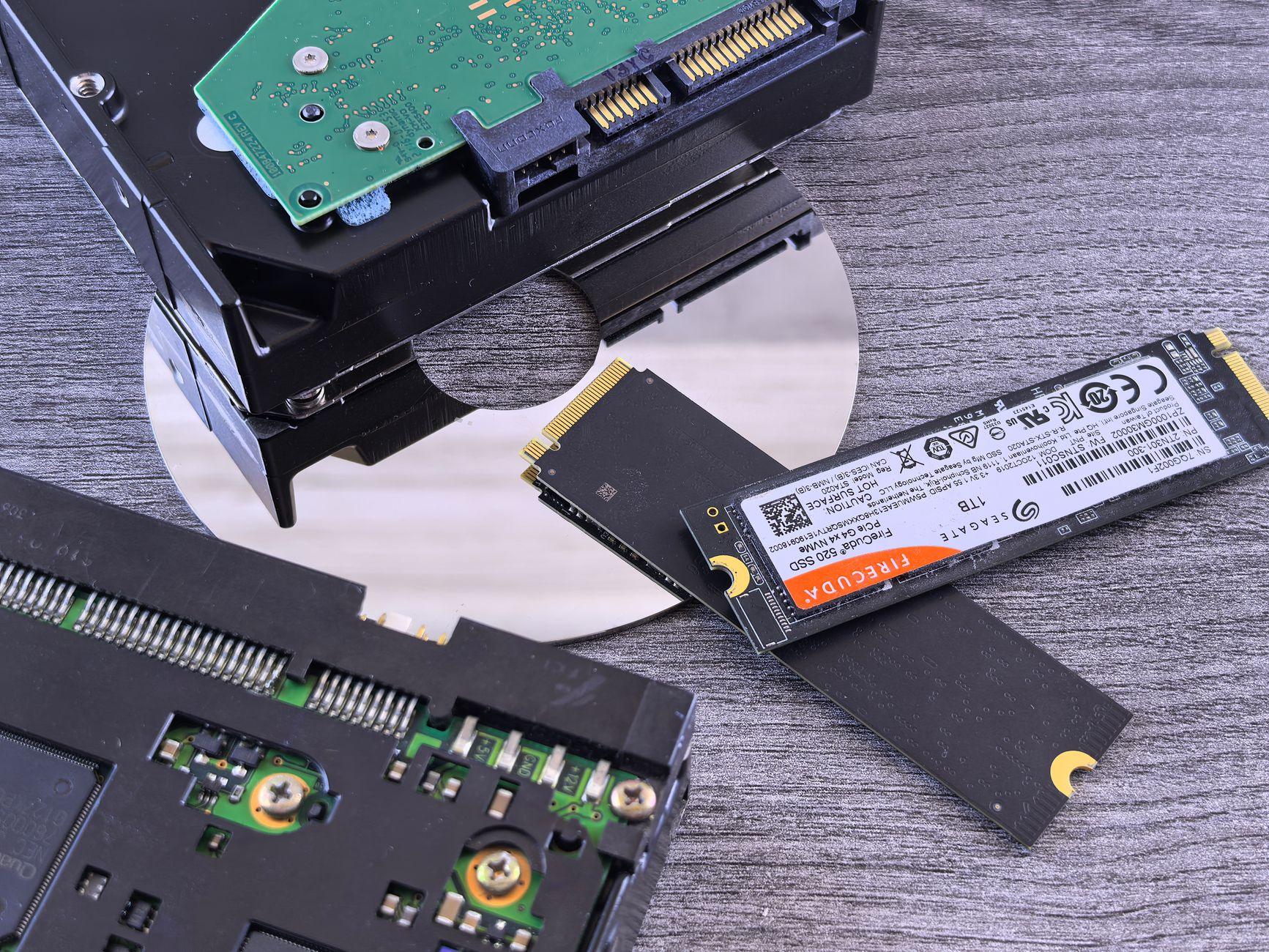
Man, I remember when booting up my old computer felt like a coffee break. You’d hit the power button, grab a cup, maybe even check the mail, and then you’d finally see that login screen. It was agonizing. Now, with solid-state drives (SSDs), my machine wakes up faster than I do most mornings. It’s wild how much loading times have changed. Traditional hard disk drives (HDDs), those spinning platters of magnetic storage, are like ancient relics compared to the zippy SSDs that use flash memory. Think of it like comparing a vinyl record player to a digital music stream; one’s got moving parts and takes time to find the track, the other just plays.
Seriously, the difference in boot-up speed is night and day. For a typical HDD, you’re looking at anywhere from 30 seconds to a couple of minutes to get your operating system loaded. On the flip side, an SSD can have you logged in and ready to roll in 15 seconds or less, sometimes even under 10 seconds. This isn’t just about getting to Windows or macOS faster; it impacts everything. Game loading times are a massive one for me. Loading a new level in a game used to involve staring at a loading screen for what felt like an eternity. With an SSD, those same levels can pop up in a fraction of the time. Imagine trying to play a game like Red Dead Redemption 2 on an HDD versus an SSD; it’s a completely different experience. You’ll spend way more time in the actual game and less time twiddling your thumbs.
But it’s not all sunshine and rainbows with SSDs. The biggest hurdle, and it’s a significant one for many folks, is the cost per gigabyte. While SSD prices have come down dramatically over the years, they still generally cost more than HDDs for the same amount of storage. You might get a 1TB HDD for around $50 to $70, whereas a 1TB SSD will often set you back $80 to $150, sometimes even more for faster NVMe models. This means if you need massive amounts of storage for, say, a huge video editing library or a sprawling collection of high-resolution photos, a traditional HDD is often the more budget-friendly choice. For a while, I had both a smaller SSD for my operating system and frequently used programs, and a larger HDD for all my media files. That seemed like the best of both worlds for a while.
The actual mechanics are where the real magic happens. HDDs work by spinning magnetic disks, and a read/write head moves across them to access data. This physical movement takes time. It’s like needing to physically turn a page in a book to find a specific sentence. SSDs, on the other hand, have no moving parts. They use NAND flash memory chips to store data, similar to a giant, super-fast USB drive. Accessing data on an SSD is almost instantaneous because there’s no mechanical delay. It’s like having every sentence in that book instantly available on a digital display. This lack of moving parts also makes SSDs more durable and quieter than HDDs.
This speed difference isn’t just theoretical; it translates to real-world performance boosts in many applications. Think about opening large files, like a massive Photoshop document or a complex spreadsheet. On an HDD, this can take a noticeable amount of time, sometimes a minute or more. On an SSD, that same file might open in just a few seconds. The impact on productivity is substantial, especially if you’re constantly working with large datasets or creative projects. For professionals, this can mean saving hours of valuable work time each week. Even for casual users, the snappier response of an SSD makes the whole computer feel more fluid and enjoyable to use.
Honestly, sometimes I forget how much SSDs have improved things. My friend recently upgraded their old laptop with an SSD, and it was like giving it a new lease on life. They were absolutely floored by the speed difference. It made me laugh because it’s been so long since I dealt with the sluggishness of an HDD for my main drive. It’s the kind of upgrade that just makes you wonder how you ever lived without it. You can find affordable SSDs that are significantly faster than any HDD for common tasks, and I’d argue most people would benefit more from a 256GB or 512GB SSD than a massive HDD for their primary drive.
So, while HDDs still hold their own for bulk storage needs thanks to their lower price point, the sheer speed and responsiveness offered by SSDs make them the clear winner for operating systems, applications, and frequently accessed files. It’s really about choosing the right tool for the job. For many, a hybrid approach—an SSD for the essentials and an HDD for archiving—is the sweet spot. However, if you’re still rocking an HDD as your main drive in 2024, you’re actively choosing to slow yourself down, and frankly, I just don’t get it.